
Windows 10 officially reached end of support on October 14, 2025, but that does not mean every Windows 10 computer needs to be replaced immediately.
Microsoft offers Extended Security Updates (ESU) as a temporary way to keep eligible Windows 10 devices receiving important security updates while users and businesses prepare for the transition to Windows 11.
For eligible consumer devices, ESU provides critical and important security updates through October 12, 2027.
For many users, ESU can provide some additional breathing room. However, it should be viewed as a temporary bridge to Windows 11, not a long-term replacement for upgrading your computers.
What Is Windows 10 ESU?
Extended Security Updates, or ESU, is Microsoft’s program for providing security updates to eligible Windows 10 computers after Windows 10 reached its official end-of-support date.
Your Windows 10 computer doesn’t suddenly stop working because support ended. You can continue using it, but Microsoft no longer provides the normal lifecycle of feature updates and other ongoing support.
ESU provides a limited extension focused on critical and important security updates.
Think of ESU as a temporary security bridge that gives you additional time to plan your next computer or operating-system upgrade.
ESU buys you time. It doesn’t change the destination.
Why Did Windows 10 Reach End of Support?
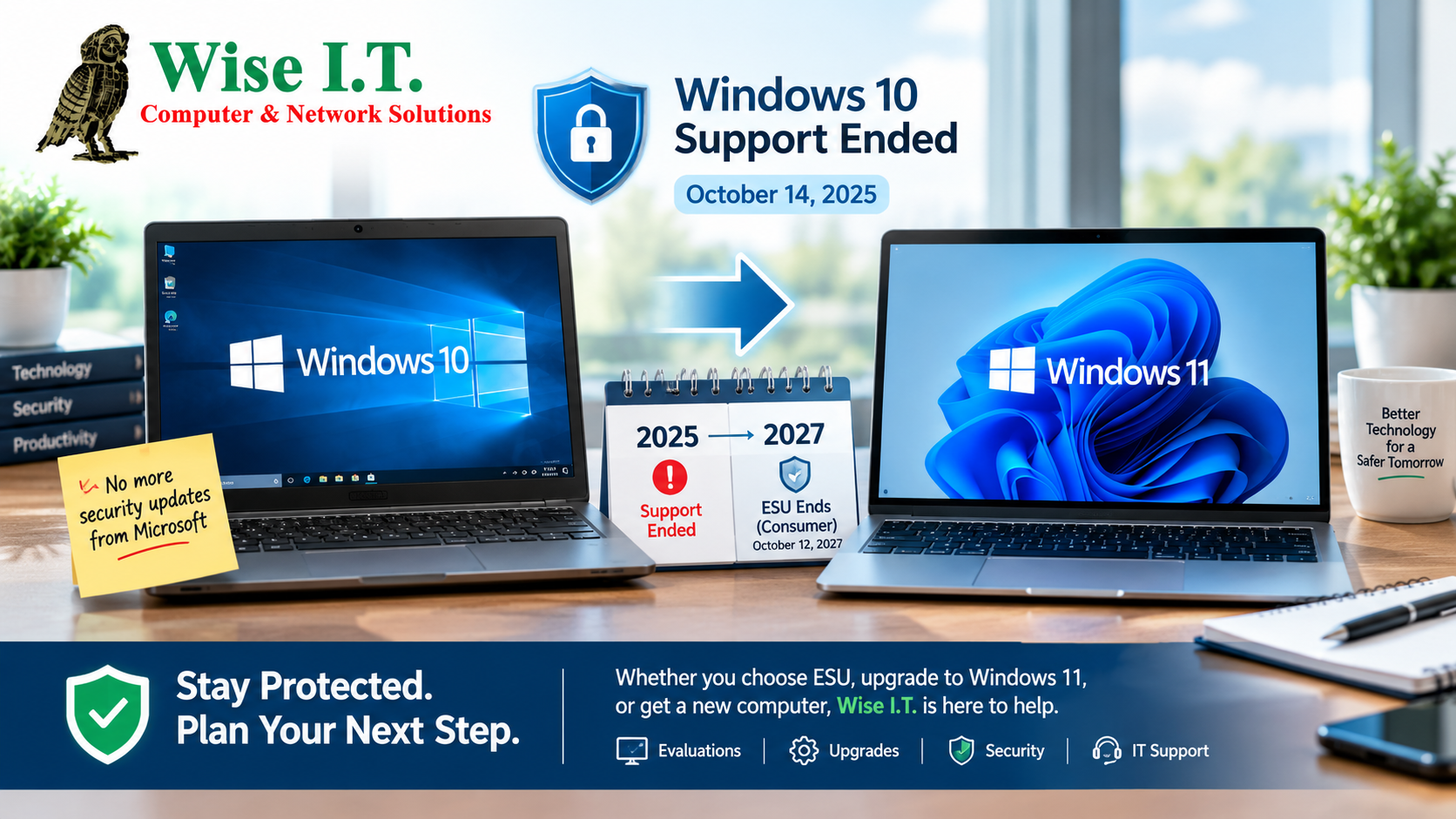
Microsoft’s Windows products have defined support lifecycles. Windows 10’s official support period ended on October 14, 2025.
Once an operating system reaches the end of its lifecycle, continuing to use it without security updates can increase your exposure to newly discovered vulnerabilities.
This is especially important for businesses. A computer that is still working perfectly can nevertheless become a security concern if its underlying operating system is no longer receiving regular security fixes.
That’s why Microsoft created ESU to give users and organizations additional time to transition.
Start Preparing for Windows 11 Now
If you’re still running Windows 10, now is the time to start preparing for Windows 11.
ESU can buy you time, but it shouldn’t become an excuse to put off your technology plan indefinitely.
A Windows 11 upgrade can involve much more than simply clicking “Upgrade.”
Before making the move, you may need to:
- Check whether your current computers meet Windows 11 requirements
- Identify computers that should be replaced
- Back up important files
- Check software compatibility
- Review Microsoft 365 and email configurations
- Transfer files and user profiles
- Verify printers and other peripherals
- Schedule upgrades around employee workloads
- Review cybersecurity and backup systems
- Plan your computer replacement budget
For businesses, planning ahead allows you to replace equipment on your schedule instead of during an emergency.
You May Not Need to Replace Every Computer
One of the first things we recommend is evaluating your existing equipment.
Some Windows 10 computers may be capable of running Windows 11. Others may be too old, lack the required hardware, or simply no longer make financial sense to keep.
Rather than automatically replacing everything, Wise I.T. can help you determine:
Keep → Upgrade → Replace → Retire
This gives you a practical roadmap instead of one large, unexpected technology expense.
How Long Does Windows 10 ESU Last?
For eligible consumer Windows 10 devices, ESU provides critical and important security updates through October 12, 2027.
That date is important because ESU isn’t an indefinite extension of Windows 10.
The goal should be to use this additional time to prepare for Windows 11 or replace computers that aren’t capable of making the transition.
ESU is the bridge. Windows 11 is the destination.
How Much Does Windows 10 ESU Cost?
This is one of the most common questions, and the answer depends on whether you’re using Windows 10 as a personal user or in a business environment.
For Home Users
Microsoft currently gives eligible personal Windows 10 users three enrollment options:
1. No Additional Cost
You can enroll at no additional cost if you use Windows Backup to sync your PC settings.
2. Microsoft Rewards Points
You can redeem 1,000 Microsoft Rewards points to enroll.
3. One-Time $30 Purchase
You can purchase ESU for $30 USD, plus applicable tax.
Microsoft says the consumer ESU license can be used on up to 10 devices, and eligible devices receive security updates through October 12, 2027.
For many home users, the $30 option may be a reasonable way to buy additional time while deciding whether to upgrade an existing computer or purchase a new one.
What Does ESU Cost for a Business?
Business ESU is different from the consumer program.
Microsoft currently lists commercial Windows 10 ESU at:
| ESU Year | Cost Per Device |
|---|---|
| Year 1 | $61 |
| Year 2 | $122 |
| Year 3 | $244 |
The price doubles each consecutive year, for a maximum of three years.
That means keeping one computer on ESU for all three years would total:
$61 + $122 + $244 = $427 per device
For a small business, the numbers can add up quickly.
Example: A 5-Person Business
If all five computers require commercial ESU:
Year 1: 5 × $61 = $305
Year 2: 5 × $122 = $610
Year 3: 5 × $244 = $1,220
Three-year total: $2,135
Example: A 10-Person Business
Year 1: $610
Year 2: $1,220
Year 3: $2,440
Three-year total: $4,270
Example: A 15-Person Business
Year 1: $915
Year 2: $1,830
Year 3: $3,660
Three-year total: $6,405
These figures are ESU licensing costs alone. They don’t include the cost of IT management, computer replacement, hardware upgrades, or other technology expenses.
That’s why ESU can make sense as a short-term strategy, but businesses should carefully compare the cost of continuing to maintain older Windows 10 computers against gradually moving to Windows 11.
Should You Upgrade to Windows 11 or Use ESU?
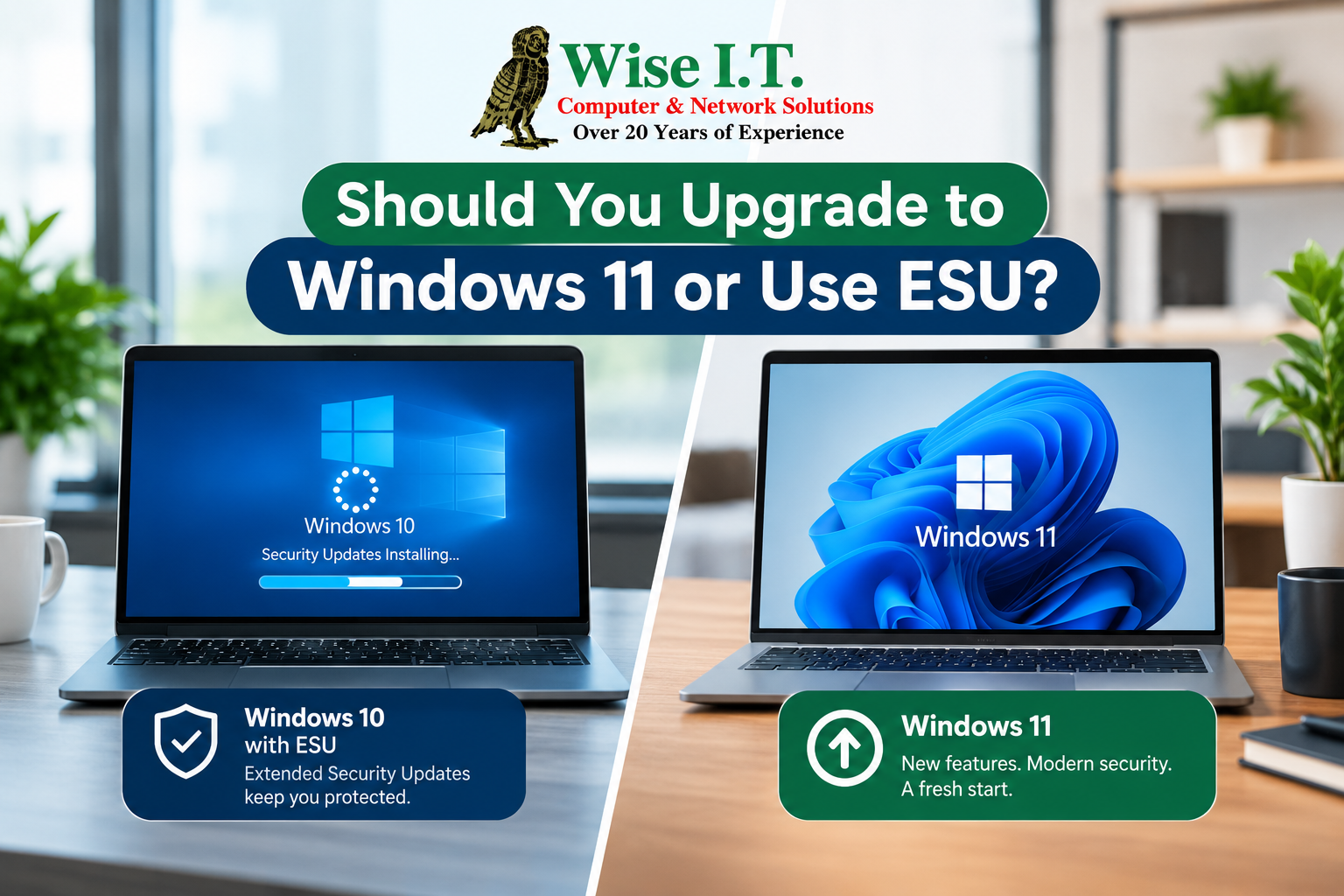
For most users, the answer isn’t necessarily one or the other.
It may be both.
If your computer is compatible with Windows 11 and works well, upgrading may be the best option.
If your computer isn’t ready to be replaced yet, ESU can provide additional security while you plan.
For a business with multiple computers, a phased approach can make even more sense.
For example:
2026: Evaluate all computers and identify which need replacement.
2026–2027: Replace the oldest systems and upgrade compatible machines.
Before October 12, 2027: Complete the remaining Windows 11 transition.
This approach can help prevent a business from having to replace every computer at the same time.
Does ESU Mean Full Windows 10 Support?
No.
This is one of the most important things to understand about ESU.
ESU provides eligible devices with critical and important security updates, but it does not bring Windows 10 back to full support.
ESU does not provide:
- New Windows features
- General Windows 10 technical support
- New feature updates
- A permanent extension of Windows 10
- A replacement for upgrading to a supported operating system
Microsoft describes ESU as a way to extend security protection while customers transition away from Windows 10.
What About Businesses With 5–15 Employees?
This is where having an outsourced IT partner can make a major difference.
If you have a team of 5–15 people and don’t want to hire and maintain an in-house IT department, that’s what Wise I.T. is for.
You don’t necessarily need a full-time IT employee sitting in your office every day.
You need someone who understands your technology, can help when something goes wrong, and can help you plan before technology becomes a problem.
Wise I.T. can help small businesses with:
- Windows 10 and Windows 11 planning
- Computer upgrades and replacements
- Microsoft 365
- Email and Exchange
- Network and Wi-Fi support
- Cybersecurity
- Backup and disaster recovery
- Cloud services
- Business VoIP
- Hardware and software
- New employee computer setup
- Data transfers
- Remote workforce support
- Ongoing computer and network support
More Than IT Support
Your technology should support your business—not constantly interrupt it.
When an employee’s computer stops working, email goes down, a network problem appears, or you need to replace several aging computers, you need someone who knows your environment and can help.
Wise I.T. can serve as your outsourced IT department without the cost and commitment of maintaining a full-time in-house IT staff.
For a growing business with 5–15 employees, that can be a much more practical approach to managing technology.
Don't Wait Until 2027 to Start Planning
October 12, 2027 may seem far away, but businesses with multiple computers should start planning now.
The best approach is to create a technology roadmap:
1. Evaluate
Find out which computers you currently have and which are capable of running Windows 11.
2. Prioritize
Identify the oldest, slowest, or least reliable computers first.
3. Upgrade
Move compatible systems to Windows 11 when appropriate.
4. Replace
Budget for computers that cannot reasonably make the transition.
5. Use ESU Strategically
If certain computers need additional time, ESU can provide a temporary security bridge.
6. Complete the Transition
The goal should be to have your Windows 11 environment planned and implemented before your ESU protection ends.
Don't Wait Until Your Computer Becomes a Problem
The worst time to start planning your technology replacement is when a computer has already failed.
Whether you’re a home user with one PC or a business with 5–15 employees, planning ahead gives you more options.
Wise I.T. can evaluate your current computers and help you determine:
Which computers can upgrade?
Which computers should be replaced?
Should you use ESU temporarily?
What will your Windows 11 transition cost?
How can you minimize disruption to your business?
And if you don’t want to hire an in-house IT employee, Wise I.T. can be your outsourced IT partner.
Need Help With Windows 10 or Windows 11?

Windows 10 may have reached the end of its standard support lifecycle, but you don’t have to figure out your next step alone.
Wise I.T. provides onsite and remote IT support for homes and businesses throughout Orange County, including computer upgrades, Windows support, Microsoft 365, networking, cybersecurity, backups, cloud services, and ongoing business IT support.
Have 5–15 Employees and Don’t Want In-House IT?
That’s what Wise I.T. is for.
Let us evaluate your current technology, help you understand your options, and build a practical plan for moving your business toward Windows 11.
Get a Free Evaluation of Your Current Technology and Monthly IT Costs
Call Wise I.T. at (949) 682-WISE
Wise I.T. Computer & Network Solutions
More than IT Support.
Important Note
Microsoft’s ESU program, eligibility requirements, pricing, and enrollment options can change. Always verify current eligibility and pricing with Microsoft before purchasing ESU.
Official Microsoft resources: Windows 10 End of Support & ESU | Windows 10 ESU Program for Organizations